
Once upon a time, you had to check everything by hand
Not long ago, finding out why a website was not bringing enquiries meant opening page after page, reading source code, asking a developer, and still guessing. Some businesses never did it at all.
Then AI arrived. Customers now ask ChatGPT, Perplexity and Google's AI answers which company to trust, and those tools read your website before they answer. A site can look perfect to a human visitor and still be unclear to a search engine or an AI crawler.
So the real question is no longer "is my website nice?" It is: where exactly am I losing customers, and what do I fix first?
That is why we built the InventionDM Website Lab. It reads your public website and shows, in plain language, what is working and what needs attention.
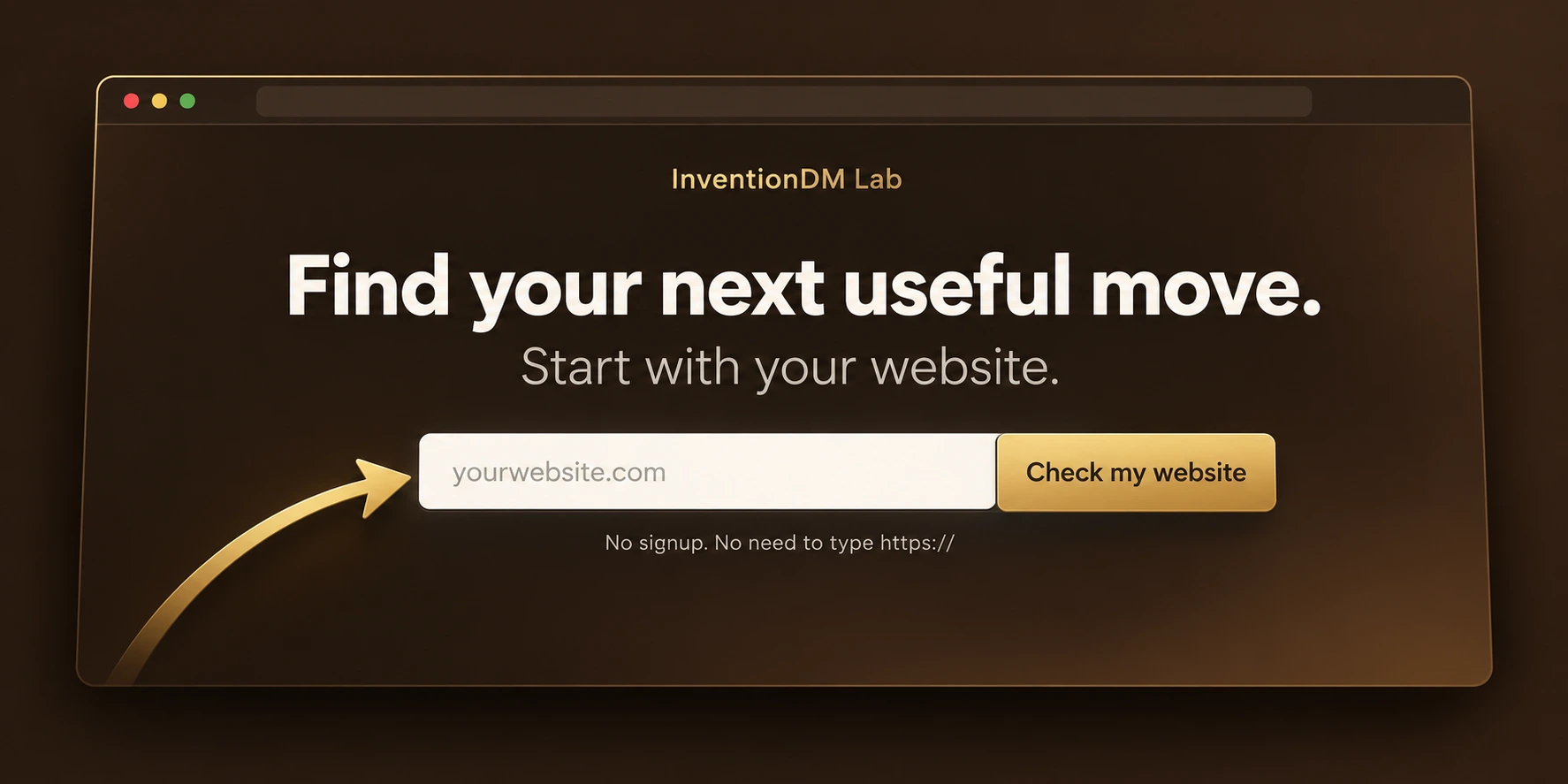
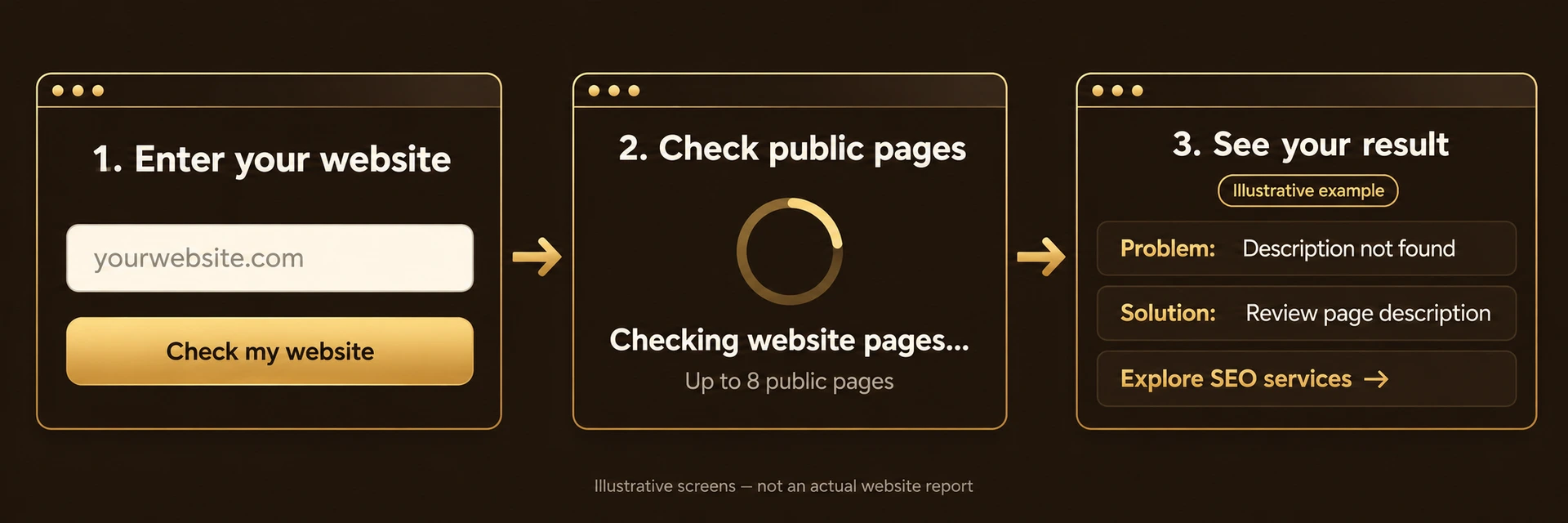
How it works: three steps
- Enter your website. Just the address. No signup and no https:// needed.
- We read your public pages. The Lab checks up to eight pages: your homepage and the key pages linked from it.
- You get a report. A score, the problems to fix first, what is already working, and the pages behind each finding.
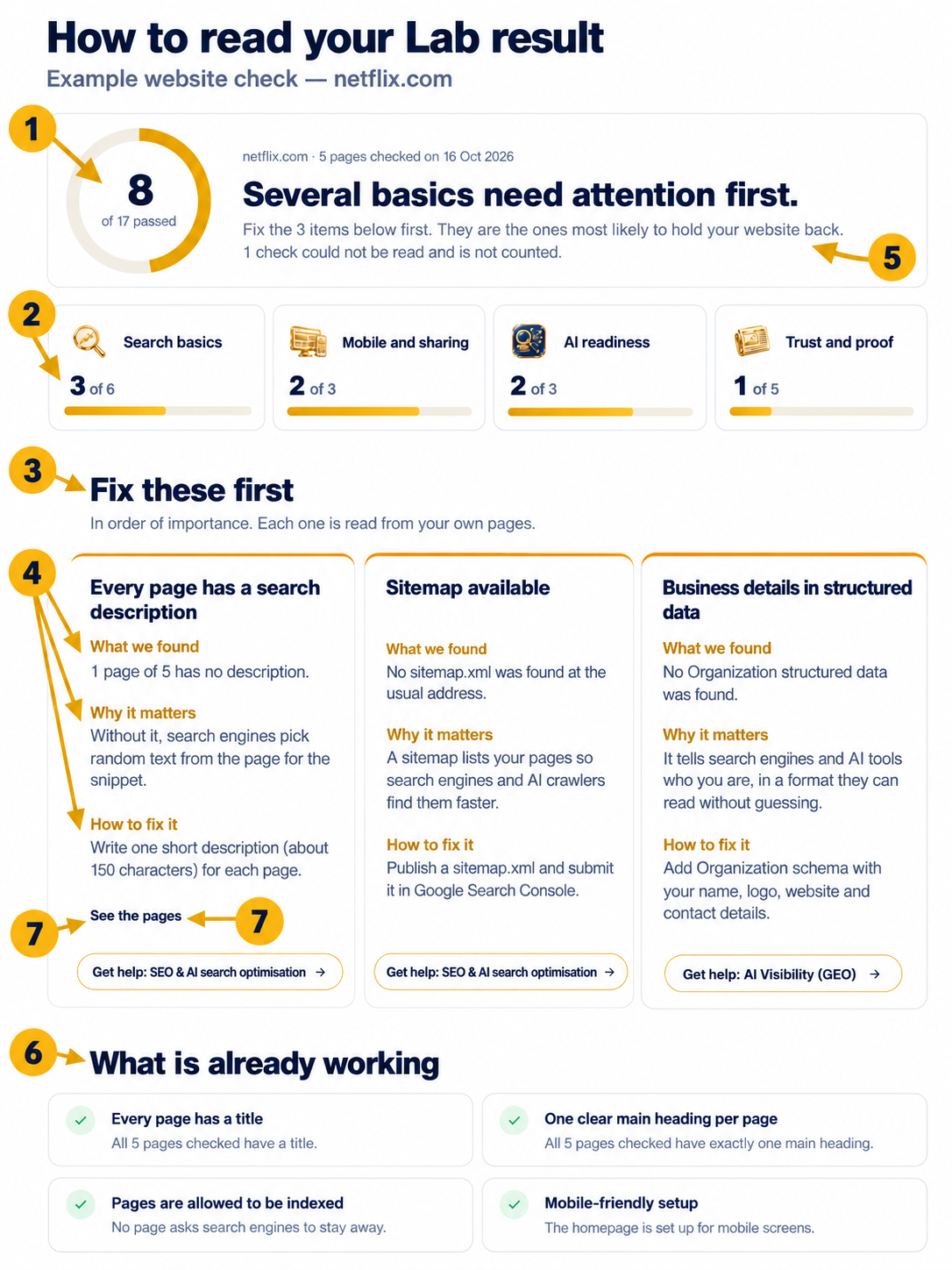
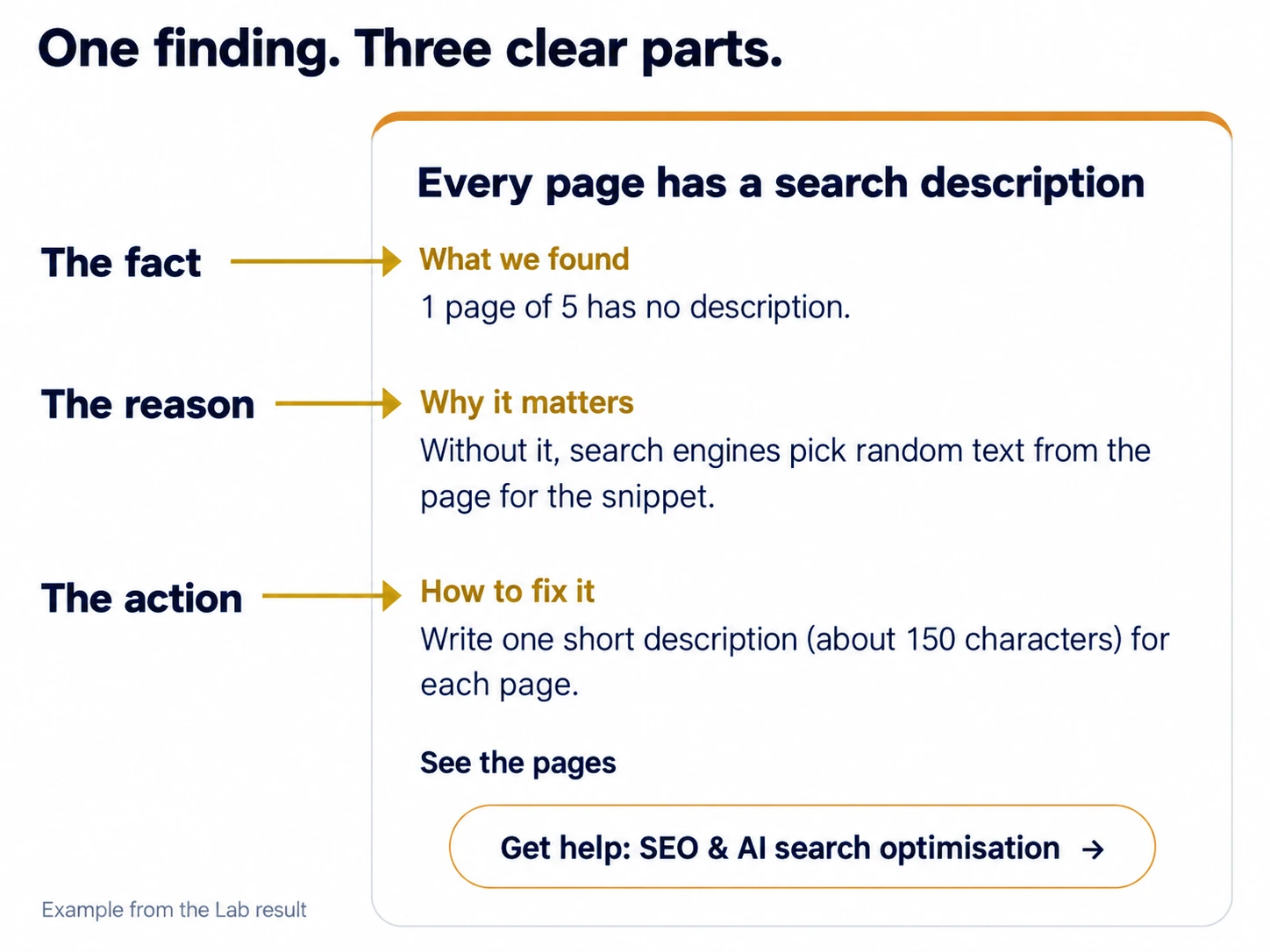
- What we found: the plain fact, such as a page title that is missing or too generic.
- Why it matters: the reason, in one or two sentences. Google's guidance on title links asks for unique, descriptive titles, which is why a vague one is worth fixing.
- How to fix it: the specific change to make.
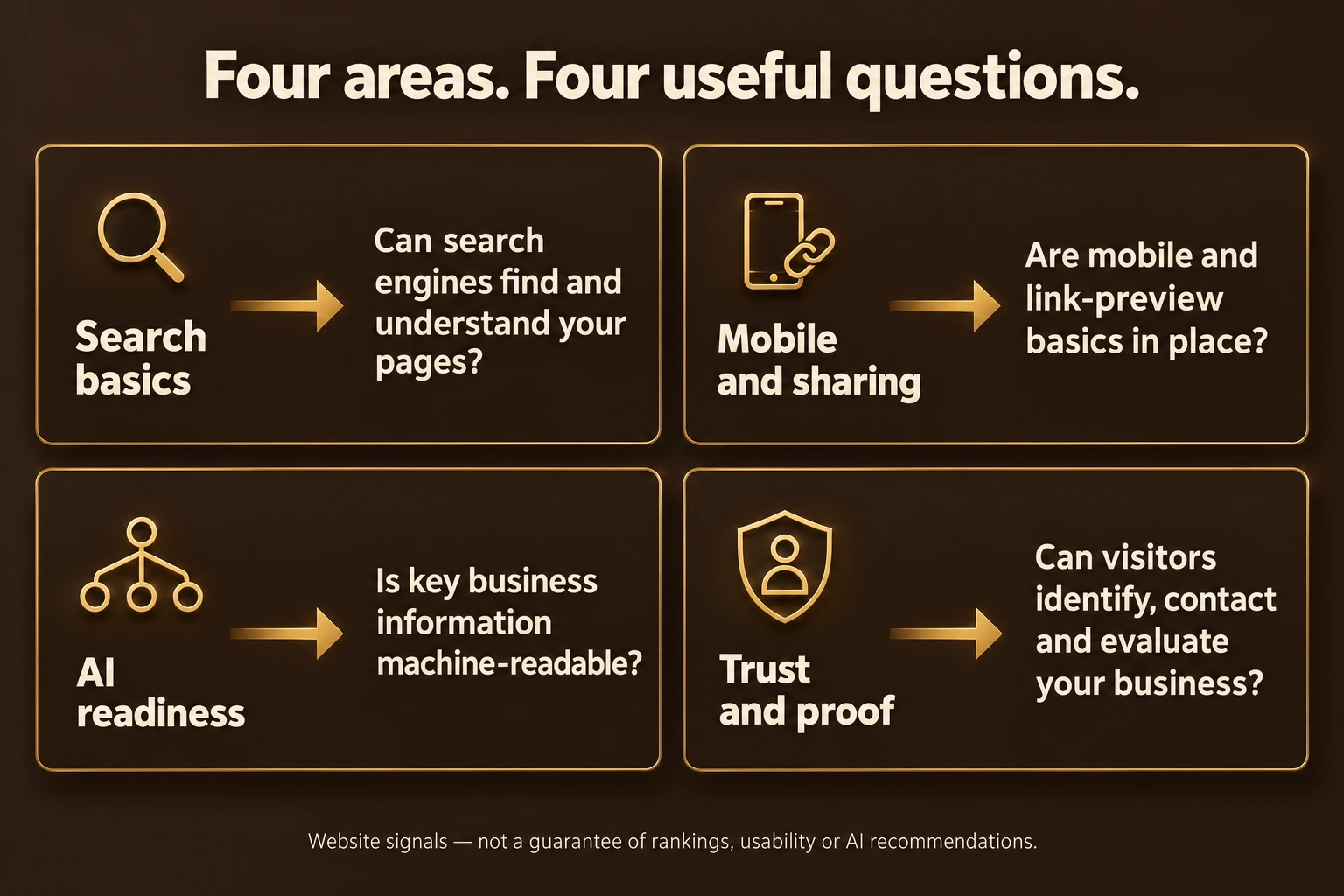
- Search basics. Can search engines find and understand your pages? A common slip is a leftover noindex tag, which tells Google to leave a page out. Another is relying on robots.txt to hide a page: Google's robots.txt guide says it is not a way to keep a page out of search.
- Mobile and sharing. Does the site work on a phone, and does a shared link show a proper title and image?
- AI readiness. Can AI crawlers such as GPTBot read your site, and does your site say clearly who you are? OpenAI lists its crawlers in its bot documentation. Google's Organization markup helps machines identify your business, though it is not a ranking promise.
- Trust and proof. Can a visitor see who is behind the business, how to contact you and what proof you have? Google's helpful content guidance puts trust at the centre.
What the Lab cannot tell you
It reads public pages only. It does not see your analytics, your ad accounts or your private content. Some sites block automated visitors, and then the honest answer is "could not check", not a failure. A good score does not guarantee rankings, and no tool can.
From finding to fix
If the report shows | Start here |
|---|---|
Weak titles, missing pages, indexing problems | |
Slow, broken or dated pages | |
AI crawlers blocked, unclear company information | |
Not sure where to begin |
Questions
👉 Is it free? Yes, the check is free. You can then choose to receive the report by email or talk to the team.
👉 Will fixing everything raise my rankings? We cannot promise that. Fixes remove obstacles; rankings depend on many things.
👉 Why would a check say "could not check"? Some sites block automated visits or load content in ways a simple reader cannot see. We say so instead of guessing.
👉 Ready? Run the Website Lab on your own site and compare it with the screens above.